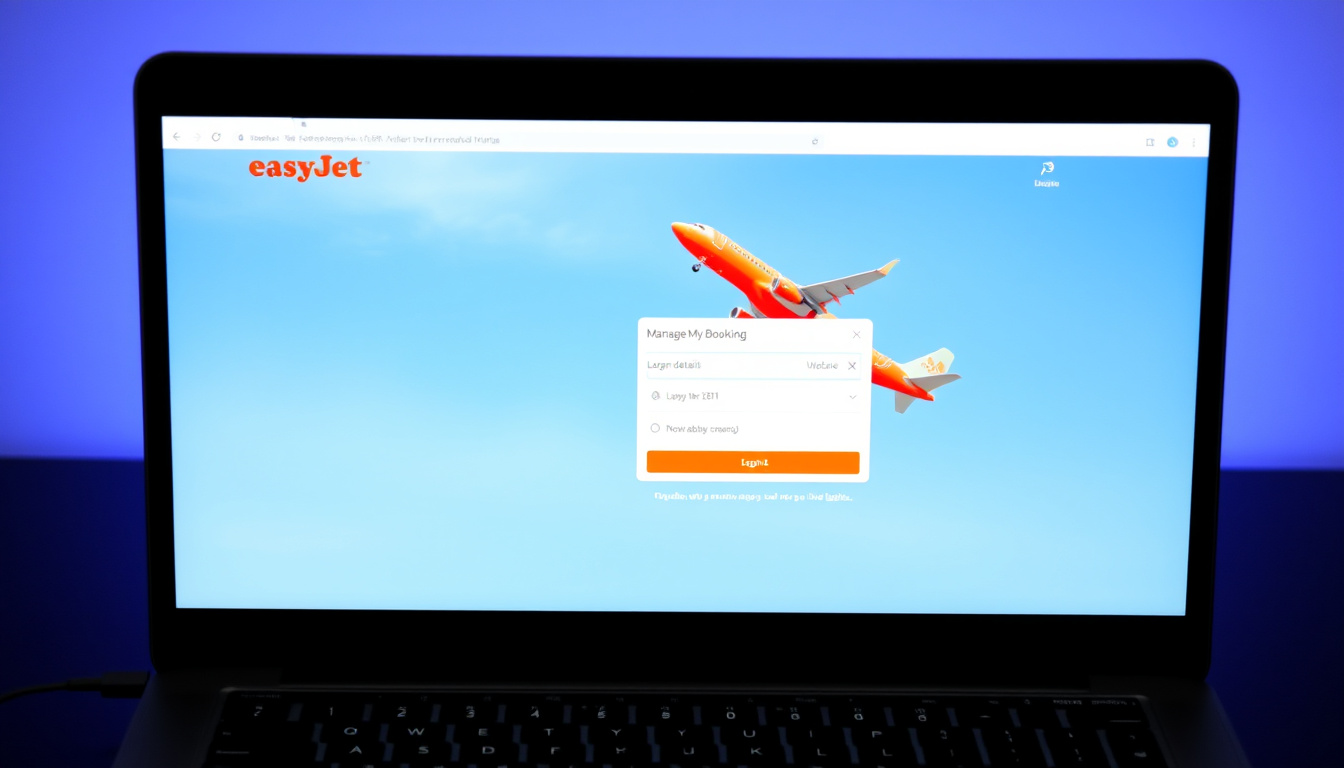
Managing an easyJet booking has become increasingly streamlined through the airline’s digital platform. Whether you need to modify flight details, add luggage, select seats, or handle holiday packages, the Manage Bookings portal provides the tools required to make changes independently. Understanding how to access and navigate this system can save time and help avoid unnecessary fees.
This guide walks through the process of logging into easyJet, locating your booking, and handling holiday-specific arrangements. The information draws from easyJet’s official help documentation and reflects current procedures for direct bookings made through easyJet.com.
Key options for managing your booking include the easyJet website and the airline’s free mobile application. Both platforms offer similar functionality, though the app provides added convenience for mobile travellers who need to make last-minute adjustments.
How do I log in to easyJet.com to manage my booking?
Accessing the Manage Bookings section requires an easyJet account with valid credentials. According to easyJet’s help resources, you will need the email address and password that were used when the booking was originally created.
Email address and password from booking creation
Website (easyJet.com/en/manage/my-bookings) or free mobile app
Change flights, seats, luggage, correct spelling errors
Booking number reference and customer service assistance
- An easyJet account simplifies future bookings by storing payment and personal details securely.
- Register once at easyJet.com/en/register or during the booking process.
- Benefits include quicker payments, easier check-ins, boarding pass access, and the ability to add extras like seats or bags.
- Changes to bookings cost less when made through the website or app compared to other methods.
- Profile details such as address, email, phone number, and travel preferences can be updated via “My Account” after signing in.
- Online check-in opens 30 days before departure and closes two hours before the scheduled flight.
| Requirement | Details |
|---|---|
| Original booking email address | |
| Password | Created during account registration or booking |
| Website Access | easyJet.com/en/manage/my-bookings |
| Mobile App | Free easyJet Travel App (iOS and Android) |
| View Details | Flight, bags, and seat information at easyJet.com/en/manage/viewbooking after sign-in |
For those who have forgotten their password, the “resetting your password” link on the login pages provides a recovery option. Should any difficulties arise during the login process, contacting easyJet customer service can help resolve access issues.
How can I find my easyJet booking online for free?
Locating your booking without prior login credentials requires the booking reference sent to you after confirmation. This reference, combined with the departure date, enables access to your booking details even if you cannot remember your account password.
Using the easyJet mobile app
The easyJet mobile app offers a convenient way to find and manage bookings on the move. The app handles check-in, boarding pass storage, booking changes, and API (Advanced Passenger Information) updates. According to easyJet, PDF scans of boarding passes are not accepted at security checkpoints, so travellers should store passes digitally within the app instead.
The easyJet Travel App allows you to access your booking using the booking reference and departure date. Post-check-in changes can also be made through the app before the check-in window closes for your first flight.
Checking booking status and details
After signing in, you can view complete flight details including baggage allowances, seat assignments, and any additional extras purchased. This information appears at easyJet.com/en/manage/viewbooking once you have accessed your account.
Should you lack your booking reference entirely, easyJet recommends contacting the person who made the booking or your travel agent. Without this reference, certain airport processes may be delayed, making it important to obtain the details before your departure date.
How do I manage my easyJet holidays booking?
easyJet holidays operate through a separate portal from standard flight bookings. Accessing holiday-specific arrangements requires visiting easyJet.com/en/holidays/login rather than the main bookings page.
Logging into the holidays portal
The process begins by signing in with your easyJet account credentials. If you do not yet have an account, registration can be completed with basic details including a login email address. Once logged in, you can add your holiday by entering the departure date and booking reference.
Holiday bookings use a numbers-only reference format. If your reference contains letters, it may be a flight-only reference rather than a holiday booking. In such cases, check the main bookings section for your travel arrangements.
If your holiday booking does not appear in the main Manage Bookings section, the dedicated holidays site is the appropriate place to look. easyJet maintains separate systems for flight-only bookings and packaged holiday arrangements, which explains why some travellers may not see their complete itinerary in one location.
Troubleshooting holiday login issues
When experiencing difficulties logging into the holidays portal, easyJet advises first ensuring you are using your easyJet account credentials. After confirming account access, verify the holiday reference and departure date are entered correctly. Contacting customer service remains an option if these steps do not resolve the issue.
What is my easyJet booking number and how do I use it?
The booking reference (sometimes called a booking number or PNR) is a unique identifier assigned to each reservation. This code appears in your confirmation email and is essential for checking in, accessing your booking, and making modifications through the Manage Bookings portal.
When the reference alone is not enough
While the booking reference allows you to view flight details, editing certain information requires full account credentials. Specifically, changes to API (Advanced Passenger Information) or contact details cannot be made with the reference alone. According to easyJet’s documentation, these updates require sign-in using the original booking email and password.
Mismatches between your booking and the travel document details (passport or ID) can block travel entirely. Pre-check-in updates through Manage Bookings can prevent this issue, though full login credentials are required to make these changes.
Customer service for booking support
When online options prove insufficient, easyJet customer service can assist with API issues, password resets that cannot be completed independently, and airport bag drop enquiries. The airline does not list a specific UK booking phone number in its public help resources, making online contact or the app the primary channels for most travellers. If you need to make changes to your flight details, add baggage, select seats, or manage holiday packages, you can do so through the easyJet booking management portal, available at Керування бронюванням easyJet.
Email unsubscribe preferences and Plus/easyJet+ membership features are managed through separate login areas. Plus members should use plus.easyjet.com/en/login for membership-specific functionality.
What information is established and what remains unclear?
The login process for easyJet Manage Bookings is well-documented and consistently described across official sources. Users require an email address and password to access account features, with the website and mobile app serving as the primary access points.
| Established information | Remaining uncertainties |
|---|---|
| Login requires email and password | Specific customer service phone numbers for UK travellers |
| Booking reference enables flight viewing | Exact fees for specific booking modifications |
| Holiday bookings use separate portal | Availability of specific flight change options during high-demand periods |
| Online and app changes cost less than other methods | Processing times for refund requests initiated through Manage Bookings |
| API mismatches can prevent travel | Detailed requirements for name corrections on multi-passenger bookings |
Certain details regarding fees for specific changes and the precise availability of flight modifications during peak travel periods are not fully detailed in easyJet’s public help documentation. Travellers seeking this information may need to log in to their specific booking or contact customer service directly.
Why do easyJet flight bookings and holiday bookings use different systems?
The distinction between easyJet flight bookings and holiday packages reflects different backend systems managing each product type. Flight-only reservations are handled through the main easyJet platform, while packaged holidays combining flights, accommodation, and other services use the dedicated holidays portal.
This separation means travellers with both flight and holiday components may need to access two different areas to view complete trip details. The holidays section at easyJet.com/en/holidays/help/manage-your-booking provides specific guidance for managing package bookings separately.
The separate systems also explain why holiday references use a numbers-only format while flight references are alphanumeric. Recognising this difference helps prevent confusion when attempting to locate bookings across platforms.
“Log in to Manage Bookings. You’ll need the email address and password used to make the booking in order to make any changes.”
— easyJet Help Centre
“It’s cheaper to make changes via the app or online than by calling us.”
— easyJet Help Centre
Steps to take after logging into Manage Bookings
Once you have successfully accessed your booking, several actions become available depending on your booking type and travel timeline. Reviewing flight details, confirming baggage allowances, and checking seat assignments represent the most common first steps after sign-in.
For those preparing to travel, completing online check-in 30 days before departure ensures boarding passes are ready in digital format through the app. Any required API updates should be completed before this window opens, as changes after check-in requires contacting customer service.
If problems arise that cannot be resolved through the online portal, customer service remains available to assist with API issues, change requests, and other booking-related queries. For additional travel resources and information about easyJet baggage policies, see our guide to EasyJet Underseat Bag Size or our coverage of Virgin Money Travel Insurance Login for related travel insurance topics.
Frequently Asked Questions
How do I find my easyJet booking online for free?
You can access your booking using the booking reference and departure date through the easyJet website or mobile app. If you cannot log in, the reference alone allows you to view flight details, though full account credentials are needed to make changes.
What is my easyJet booking number?
Your booking reference (PNR) is the alphanumeric code sent in your confirmation email. It enables check-in, booking access, and modifications through the Manage Bookings portal.
How do I contact easyJet customer service?
Customer service assists with API issues, password resets, and booking support. The primary channels are the easyJet website and mobile app, though a specific UK phone number is not publicly listed in help resources.
Can I manage my easyJet holidays booking online?
Yes, holiday bookings are managed through the separate holidays portal at easyJet.com/en/holidays/login. You will need your easyJet account and the holiday-specific booking reference (numbers only).
What happens if my booking details do not match my travel documents?
API or contact mismatches can prevent travel entirely. These should be corrected through Manage Bookings before check-in opens, using your full login credentials.
Is the easyJet mobile app free to use?
Yes, the easyJet Travel App is free for both iOS and Android. It handles check-in, boarding passes, booking changes, and API updates.
How much does it cost to change a booking online?
According to easyJet, making changes through the website or app costs less than contacting customer service by phone. Specific fees depend on the change type and fare rules applied to your booking.

Oliver Jack Carter Cooper is a staff writer for EveningLedger.uk, covering UK news, politics, business and culture. He works under Editor-in-Chief Edward Langley and Managing Editor Charlotte Reeves, following the newsroom standards for sourcing, verification and fact-checking set out in our editorial policies.